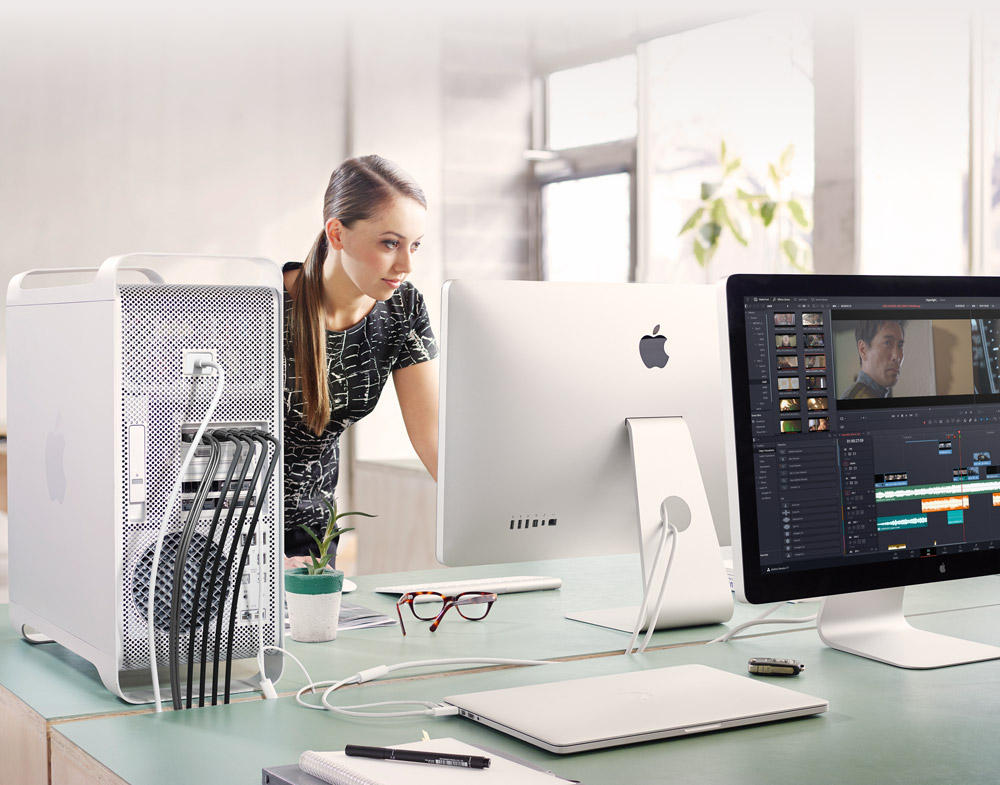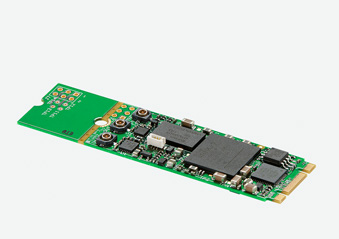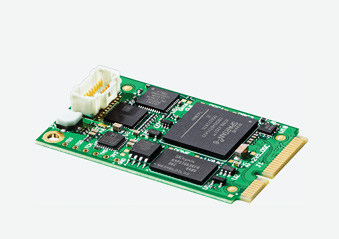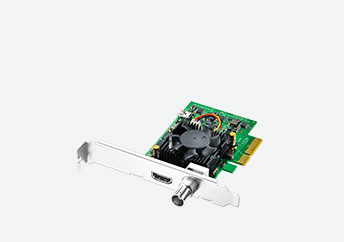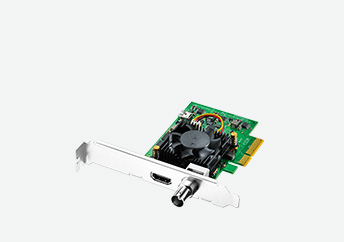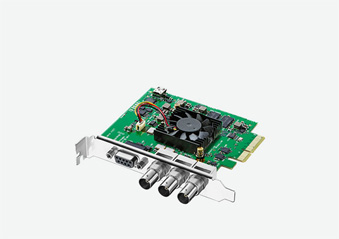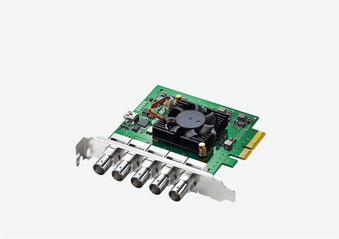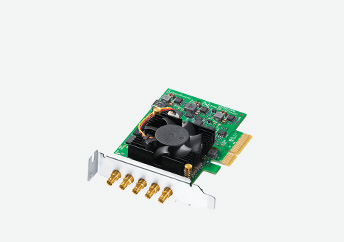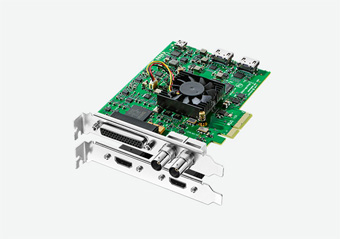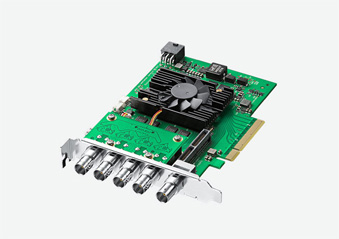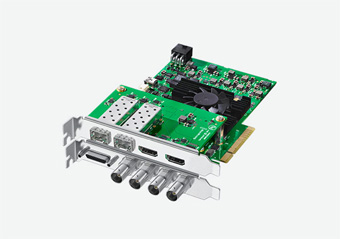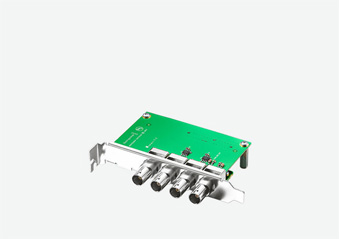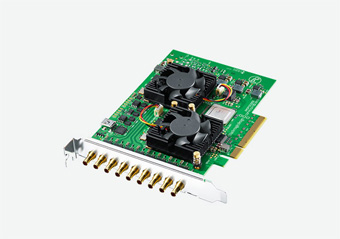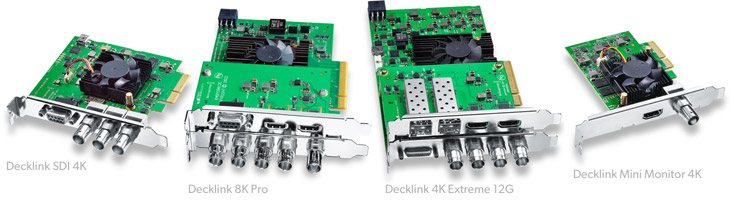
DeckLink capture and playback cards are used every day on Hollywood feature films, episodic television programs, music videos, commercials and more! Featuring the latest cutting edge technologies such as 12G-SDI and 8K support, DeckLink cards give you the highest quality video and work with more applications and platforms than any other card. Every DeckLink PCI Express card can be installed in Mac, Windows and Linux based workstations and servers, giving you ultimate flexibility!
Find Reseller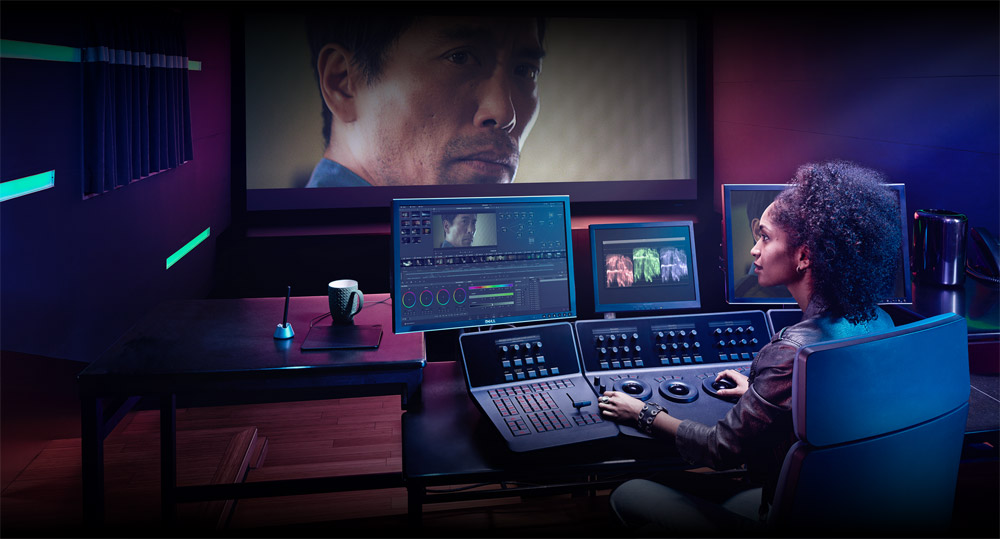
Introducing DeckLink 8K Pro
High resolution 8K capture and playback card with multi channel support for all formats up to Ultra HD and 4K!
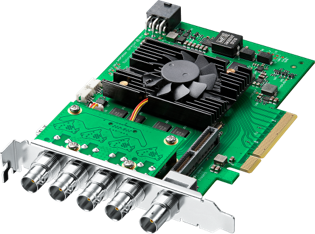
DeckLink 8K Pro
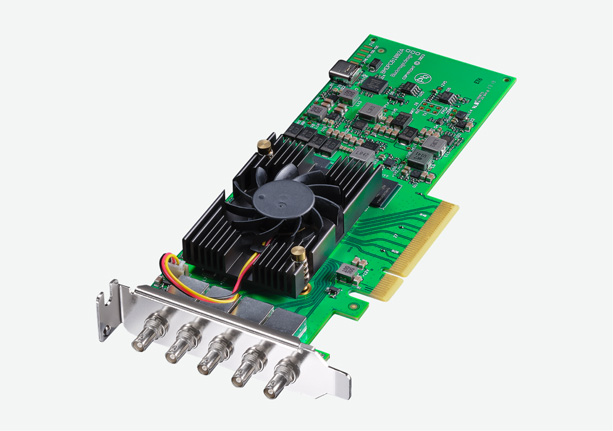
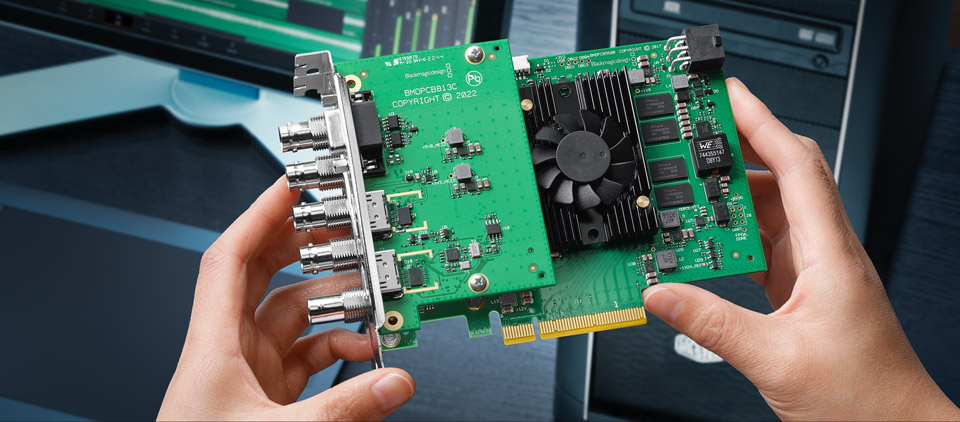
DeckLink 8K Pro is an advanced Generation 3, 8 lane PCI Express capture and playback card designed for high resolution 8K workflows. Featuring four 12G‑SDI connections, DeckLink 8K Pro supports all SD, HD, Ultra HD, 4K DCI, 8K and 8K DCI formats. In addition to 8K, the four 12G‑SDI connections can be configured for true multi channel capture and playback of 4 different video streams at any format or frame rate up to 4K DCI 60p using the free DeckLink SDK. DeckLink 8K Pro works in 8 and 10‑bit YUV 4:2:2, as well as 10 and 12‑bit RGB 4:4:4 You also get full Rec. 2020 support for deep color and true digital cinema quality images! The bi-directional 12G‑SDI connections can be used for quad link 8K, single or dual link 4K, Ultra HD, HD and even SD. You can even capture and playback simultaneously!
Perfect for Post Production
SD, HD, Ultra HD, 4K and 8K!
Work with any video format and resolution that you need! DeckLink cards let you capture from cameras, decks and live feeds directly into editing, effects and design software applications such as DaVinci Resolve. Depending on the model you choose, DeckLink cards support the complete range of formats used in today’s high end film, television and commercial post production. You get 12‑bit RGB support and 4:4:4 image quality for deep color and high dynamic range work, high frame rate support of up to 60 frames per second, stereoscopic 3D and more! There are DeckLink models to support either file or tape based workflows for perfect monitoring in editing and grading suites using professional SDI monitors, HDMI televisions and even digital cinema projectors.
Select Your Favorite Model
There’s a perfect DeckLink model for every job! The high performance DeckLink 8K Pro and DeckLink 4K Extreme 12G feature the latest advanced 12G technology for Ultra HD and 8K. You can also choose from 1.5G, 3G, 6G, and 12G‑SDI models that feature different combinations of SDI, analog and HDMI connections. There are even multi channel models that allow you to use a single card to capture and playback from multiple sources at the same time! All models support embedded SDI audio for full compatibility with professional broadcast equipment such as decks, monitors, projectors and more.
Learn more about DeckLink models >
Highest Quality Connections
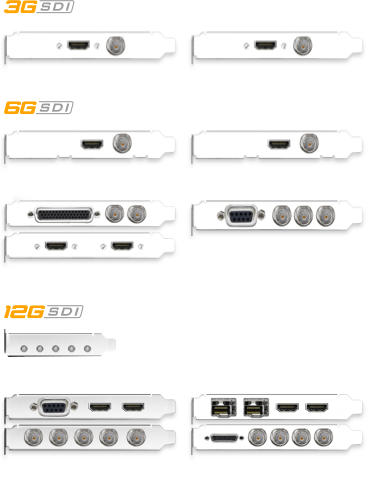
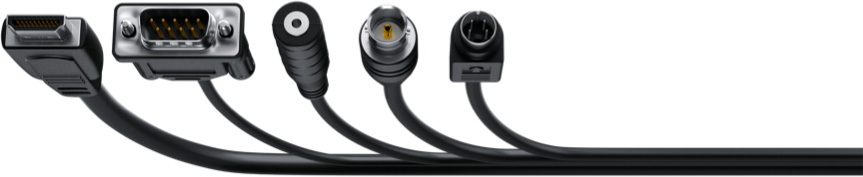
Every DeckLink card features high quality connections so you get pristine video and audio along with compatibility for working with the widest range of professional SDI equipment. DeckLink 8K Pro includes quad link 12G-SDI, while other models feature single and dual link 6G and 12G‑SDI, or single link 3G-SDI. In addition, some DeckLink cards include a professional analog component, S-video and composite connections, along with 2 channels of AES/EBU and 4 channels of balanced analog audio in and out. All models include Black Burst/Tri-sync reference and serial deck control. The 6G and 12G-SDI cards feature multi rate connections that automatically detect and switch speed for working with all SD, HD and Ultra HD formats. The advanced DeckLink 8K Pro and DeckLink 4K Extreme 12G support additional high resolution DCI formats and higher frame rates!
Unrivaled Video Quality
DeckLink lets you work with compressed video formats such as ProRes and DNxHD as well as 10‑bit uncompressed YUV and 12‑bit RGB video. When working with uncompressed, all images are a mathematically perfect pixel-for-pixel clone of the source, without any generational loss, so you have the confidence you’re working at the absolute highest quality possible. Get sharper keying with green screens, cleaner compositions, superior color correction and more!


Advanced Technology
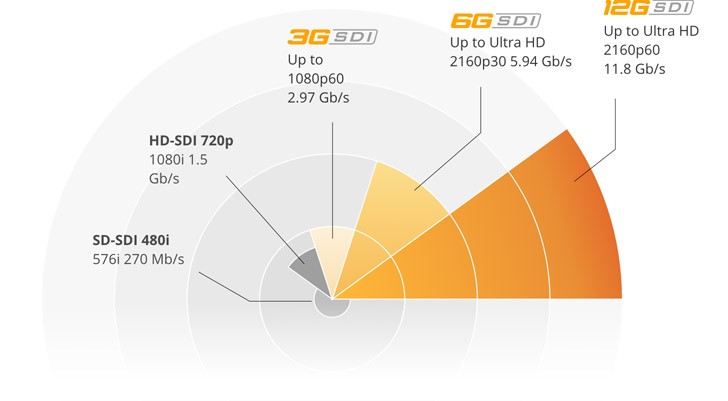
Get the latest 6G-SDI and 12G-SDI technology so you can capture and playback in full resolution Ultra HD, 4K or even 8K video, while remaining fully compatible with all SD and HD-SDI equipment! That’s up to 16 times the resolution of regular 1080 HD video at a massive 7680 x 4320 image size! DeckLink SDI 4K and the DeckLink Studio 4K include 6G-SDI, while the advanced DeckLink 8K Pro has quad link 12G-SDI and DeckLink 4K Extreme 12G includes dual link 12G-SDI connections for higher color resolution, dual stream 3D stereoscopic support and frame rates up to 60p! The DeckLink 8K Pro and DeckLink 4K Extreme 12G are the perfect choice for DaVinci Resolve editing and color correction!
Use Your Favorite Software
DeckLink cards work with the software you love to use!

Mac
No other capture and playback cards are supported by more software applications for Mac. Get drivers that work with fantastic editing software such as DaVinci Resolve, Avid Media Composer, Final Cut Pro X, Premiere Pro and News Cutter. For visual effects get full compatibility with Fusion, Nuke, After Effects and Photoshop. For audio, DeckLink cards work with Fairlight audio in DaVinci Resolve, ProTools, Nuendo and Cubase. For streaming, you can use OBS, Wirecast, Livestream Producer.

Windows
Get access to a massive range of windows software! DeckLink supports WDM, DirectShow and QuickTime so you can use applications such as DaVinci Resolve, Avid Media Composer and News Cutter, Premiere Pro, Sony Vegas Pro and more. For visual effects use Fusion, After Effects and Photoshop. Audio software supported includes Nuendo, Cubase and more. When streaming you get compatibility with OBS, Xsplit Broadcaster, Wirecast and Livestream Procaster.

Linux
DeckLink cards are open standard capture cards and are perfect for the development of Linux based video applications. They’re designed to work perfectly with DaVinci Resolve for editing, color correction and professional audio. There’s also a free, well documented SDK that makes it easy for you to develop specific solutions to meet your needs. Blackmagic’s Design Media Express is also available for capture and playback when using DeckLink with Linux operating systems.