1. Shortcut Buttons
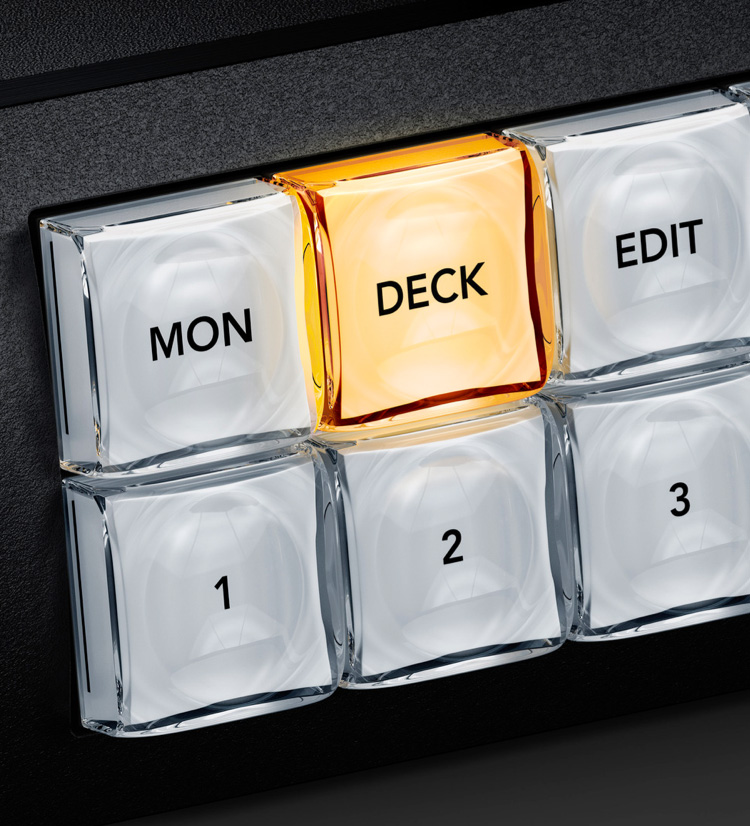
The shortcut buttons allow direct entry of sources and destinations. They can also be used with the numeric keys. Plus if a button uses a dedicated input label, then they will act like a cut bus!
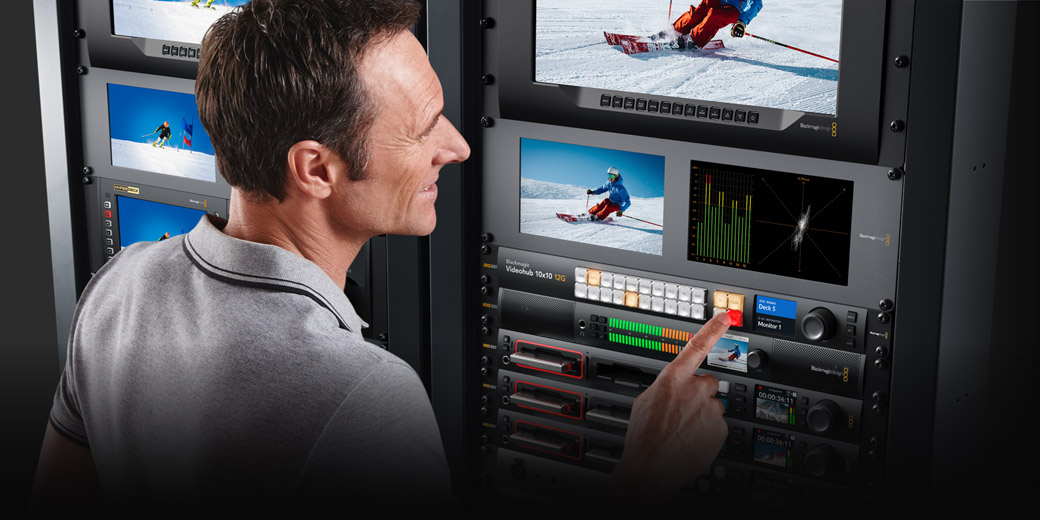
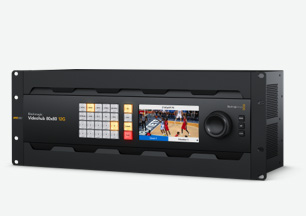
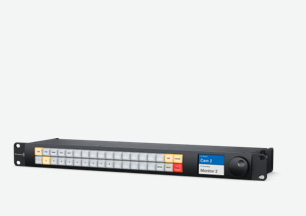
The new Blackmagic Videohub 12G-SDI video routers let you connect all your equipment without creating a complex cable mess! Blackmagic Videohub routers support 12G-SDI so they allow you to connect and route any combination of SD, HD and Ultra HD on the same router at the same time. Plus they have zero latency so are perfect for live production and broadcast! The design features an elegant front panel with LCD for labels and even live video, shortcut buttons and a machined metal spin knob with soft rubber coating that lets you browse video sources. Ethernet is also included so you can remotely control the router using a range of external hardware or software control panels.
Find Reseller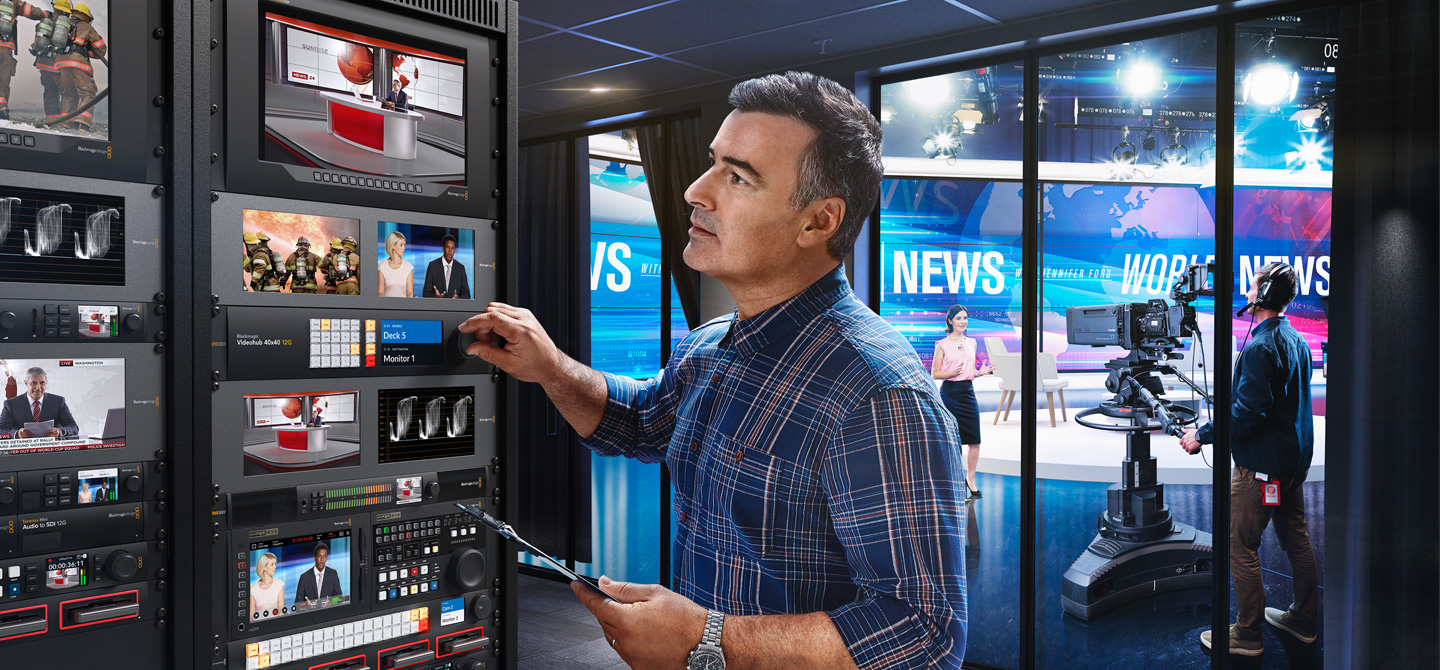
Blackmagic Videohub 12G eliminates cable mess because you can plug all your SDI equipment into the router, then do connections electronically! You don't need complex system diagrams for your studio because you can connect any video input to any video output, or even a single video input to multiple video outputs. This means monitors can view any source in the studio! You get total flexibility to handle constant change or even emergencies. It lets you use multiple HyperDeck recorders for redundant mastering. Or you can route video to multiple streaming processors for all broadcast platforms. Blackmagic Videohub 12G is also great for adding extra inputs to an ATEM switcher!
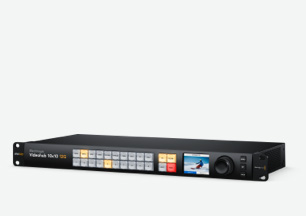
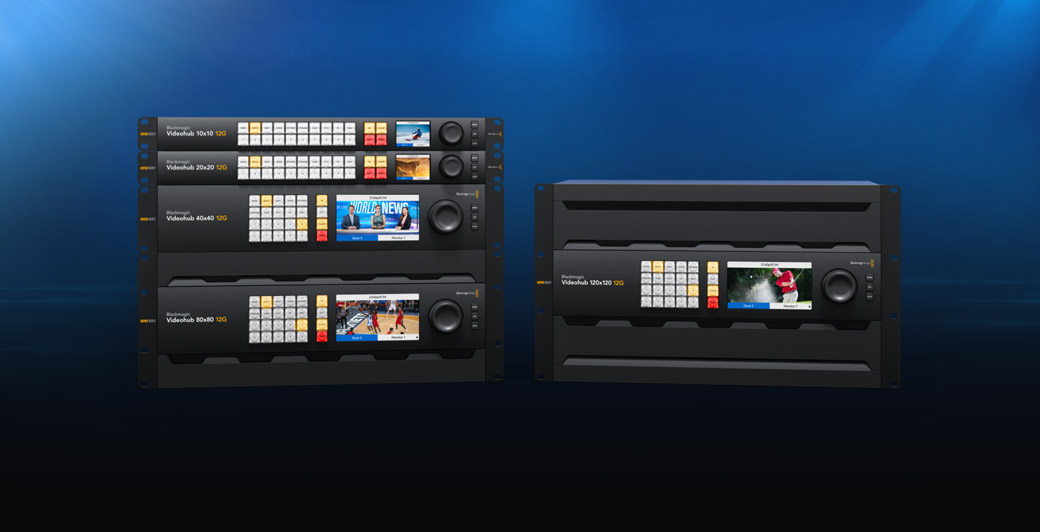
Advanced 12G-SDI 10x10 zero latency video router supports any combination of SD, HD and Ultra HD on the router at the same time. Features control panel, SDI re-clocking and external Ethernet control.
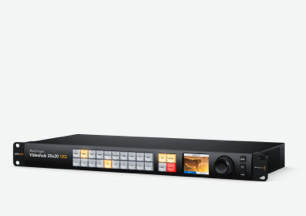
Medium 20x20 model zero latency 12G-SDI video router supports any combination of SD, HD and Ultra HD on the router at the same time. Features control panel, re-clocking and external Ethernet control.
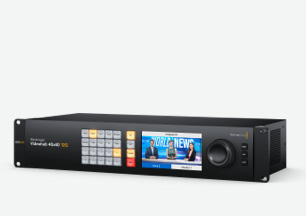
Large 40x40 model zero latency 12G-SDI video router supports any combination of SD, HD and Ultra HD on the router at the same time. Features control panel, re-clocking and external Ethernet control.
Massive 80x80 model zero latency 12G-SDI video router supports any combination of SD, HD and Ultra HD on the router at the same time. Features control panel, re-clocking and external Ethernet control.
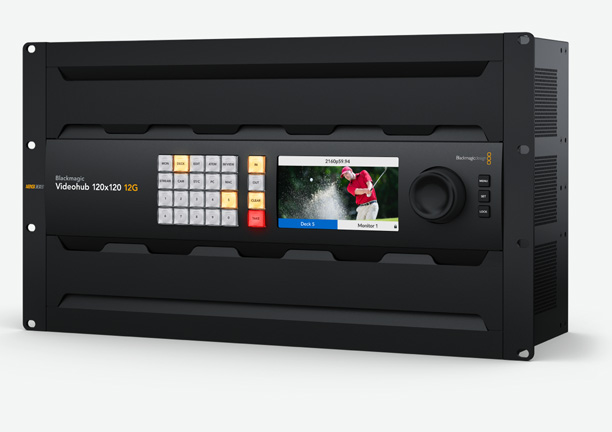
The largest 120x120 model features zero latency, 12G-SDI, full SDI re-clocking, plus any combination of SD, HD and Ultra HD. You also get a built in control panel and external control via Ethernet.
The built in front control panel lets you route video, so you get the perfect solution for live production racks that don't have the space for extra hardware panels. The front panel is similar to a Videohub Master Control Pro and it features a spin knob for browsing, direct entry buttons for speed and an LCD for displaying labels. However because the panel is built into the router, you can also see live video on the LCD! The LCD also has menus so it lets you change router settings.

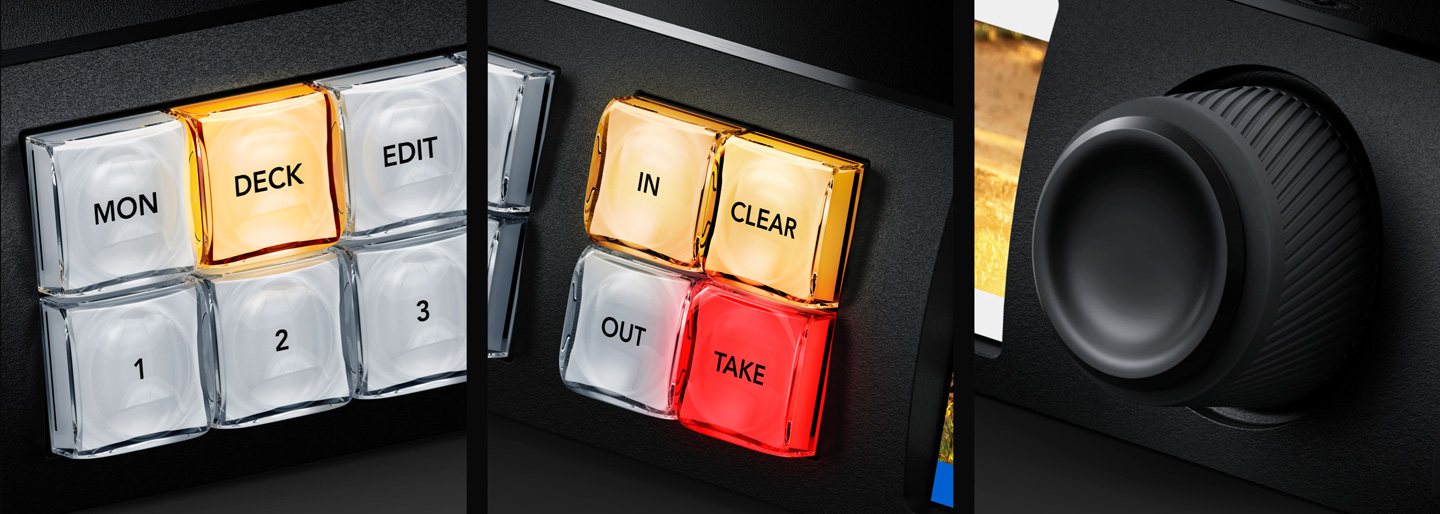
The shortcut buttons allow direct entry of sources and destinations. They can also be used with the numeric keys. Plus if a button uses a dedicated input label, then they will act like a cut bus!
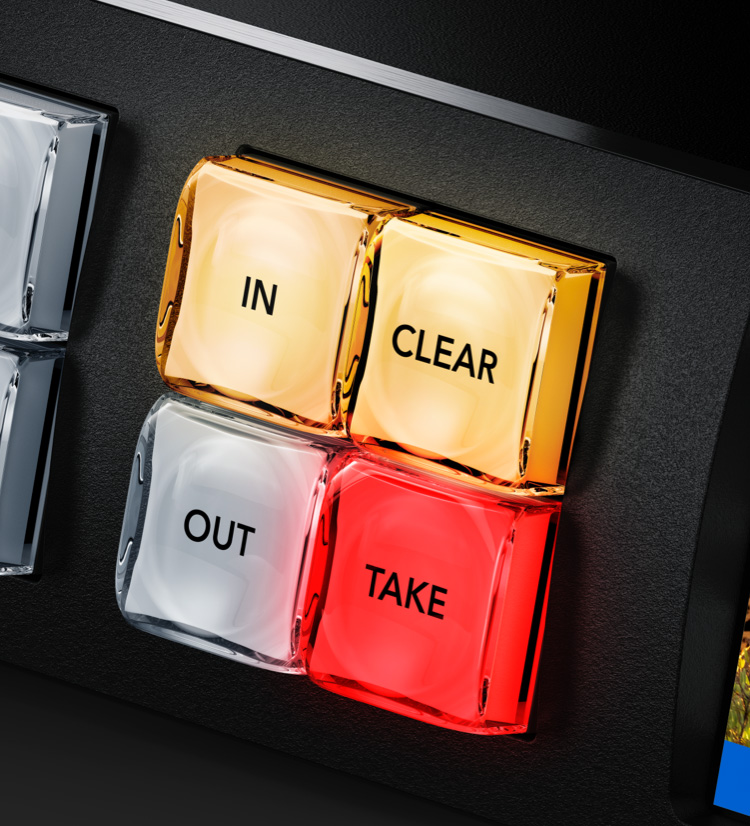
The in button switches the panel over so the spin knob and shortcut buttons will be selecting from the list of input video sources. By rolling the spin knob, you can see all your inputs.
The clear button is similar to undo and it lets you clear a new routing selection. It's the alternative to the take button, and it will clear the route to retain the current routing without change.
The LCD has large and easy to read labels that show the connection between inputs and outputs. Plus the LCD features live video so you can scroll sources based on viewing the content of the input.
The numerical keypad has a range of numbers marked 0 through to 9. It allows multiple labels, such as Mon 1, Mon 2, Mon 3 etc. You would select one of the shortcut buttons first and then the number.
The out button switches the panel to selecting the output. Normally you do this first, so you know what output you are going to change. You will then see the current input, before changing it.
The take button is the final confirmation that you want to accept the new input selection. This eliminates mistakes! You can also disable the take function for specific outputs for live routing.
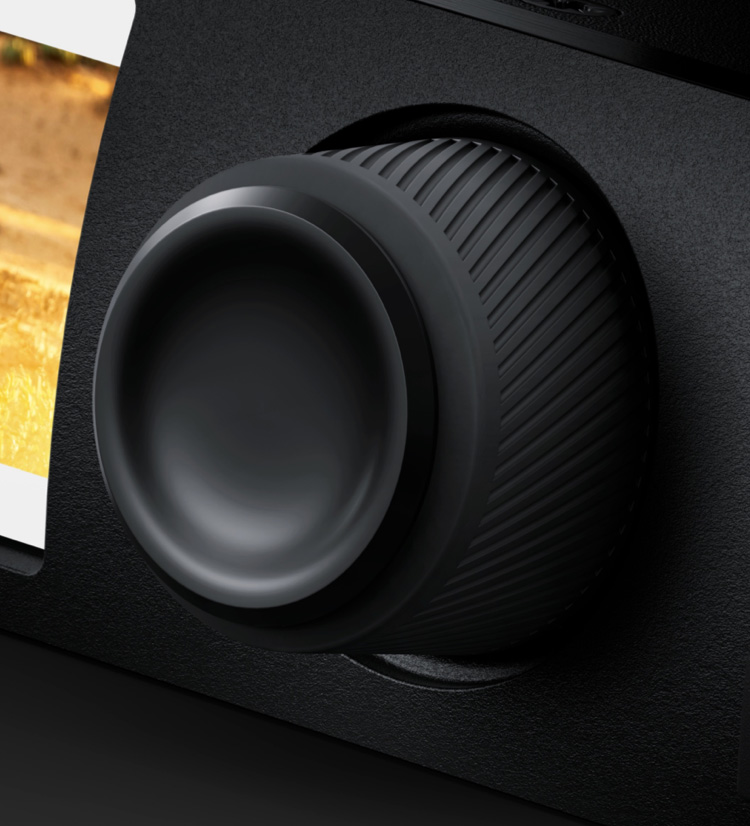
The spin knob has a machined metal design, soft rubber coating and an electronic clutch. You can scroll labels in alphabetical order and then the clutch will stop the knob at the end of the list.
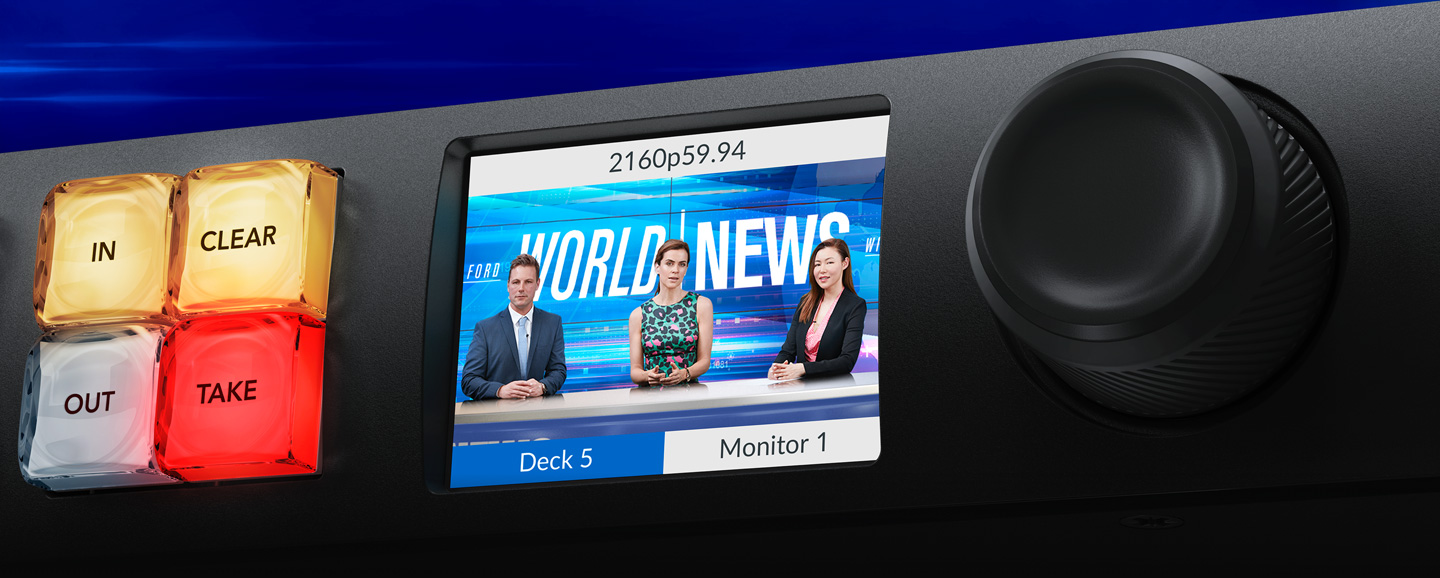
With a built in LCD, Blackmagic Videohub 12G can show you live video of all your router inputs! This means you can see all router inputs as live video before you change a route. There are also labels displayed below the live video to make it easy to identify the input you are viewing. What this means is you can scroll up and down the router sources in alphabetical order and see each input as live video, even if the inputs are different video standards. Imagine scrolling through your connections while viewing them as live video on the LCD! Plus in portable equipment racks where space is limited, the visual routing means you can see video inputs without adding an external SDI monitor.
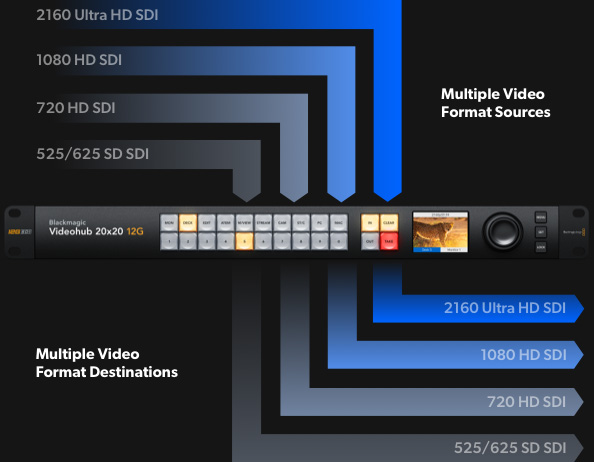
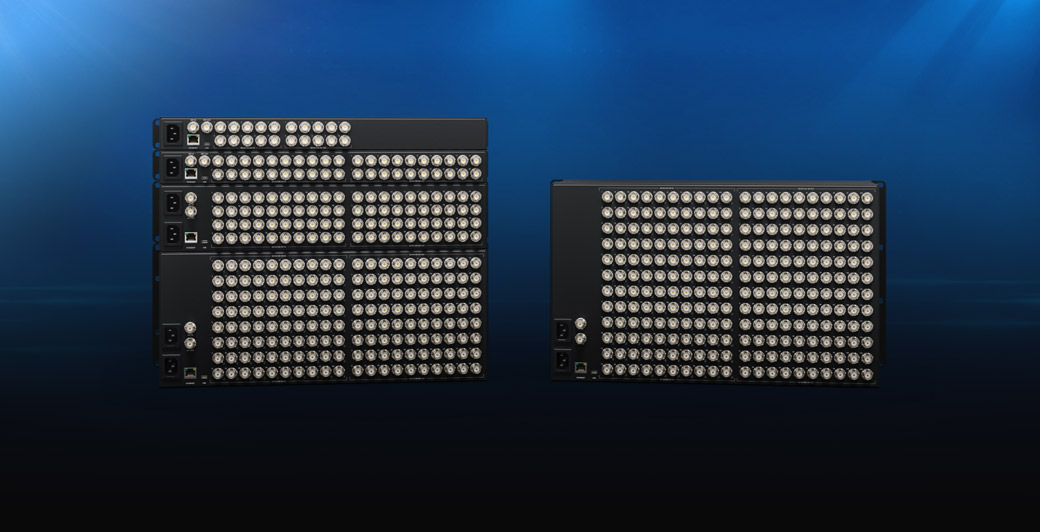
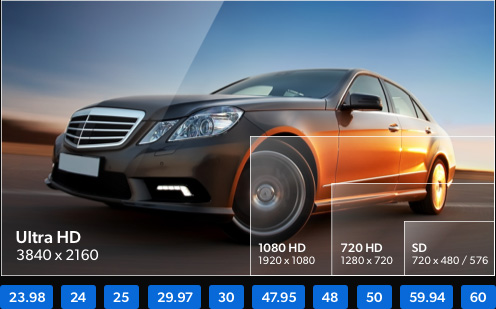
All models of Blackmagic Videohub 12G feature advanced 12G-SDI connections which are multi rate so they support any SD, HD and Ultra HD video format up to 2160p60 and will connect to any SD, HD-SDI, 3G-SDI, 6G-SDI and 12G-SDI equipment. Plus Blackmagic Videohub 12G also supports routing any video standard on the same router at the same time. That means on the 120x120 model you could route up to 120 different video signals to 120 outputs at the same time! 12G-SDI gives you high frame rate Ultra HD via a single BNC connection that also plugs into all of your regular HD equipment! With 12G-SDI you get a future proof technology that connects to the equipment you have now and in the future!
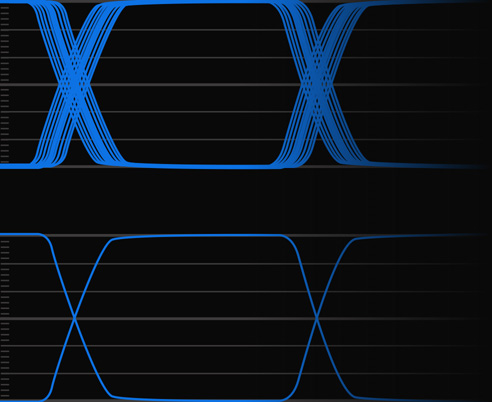
SDI signals with jitter degradation
Clean, reclocked SDI signals
Videohub includes built in SDI re-clocking on every 12G-SDI input. SDI re-clocking regenerates the video signal for maximum video quality. This is extremely important because longer video cables degrade the signal. Expensive premium "digital" cables can help a little, but still cannot eliminate signal integrity loss due to cable lengths getting longer. With SDI re-clocking all of the SDI devices in your studio receive a regenerated signal with improved jitter performance. That means longer cable lengths, and no drop outs in your video.
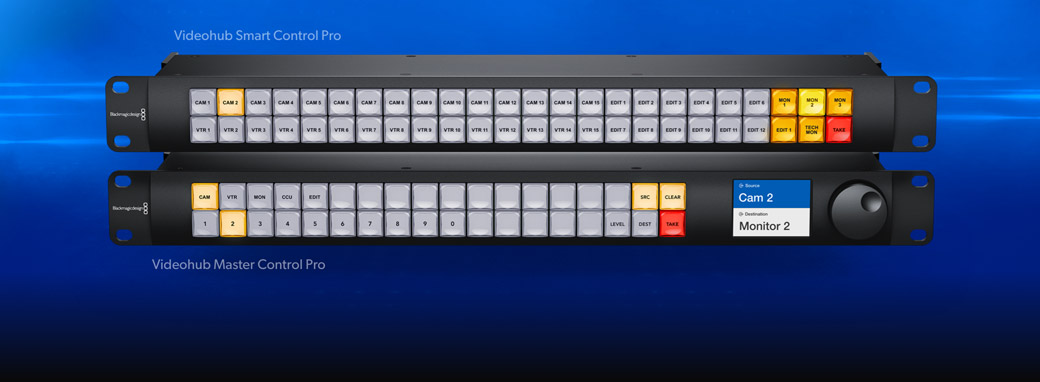
All Blackmagic Videohub routers can be remotely controlled, which is vital in large broadcast studios where the equipment connected to the router is located in different areas of the building. There are 2 different types of hardware panel available. The Videohub Master Control Pro is similar to the front panel and has a spin knob, LCD and shortcut buttons. While the Videohub Smart Control Pro model features all buttons and is generally programmed so the panel controls a single router output with each button programmed to a router input. Then you can just cut along the panel buttons to change the router output instantly. It works best when you install a smart panel below each video monitor!
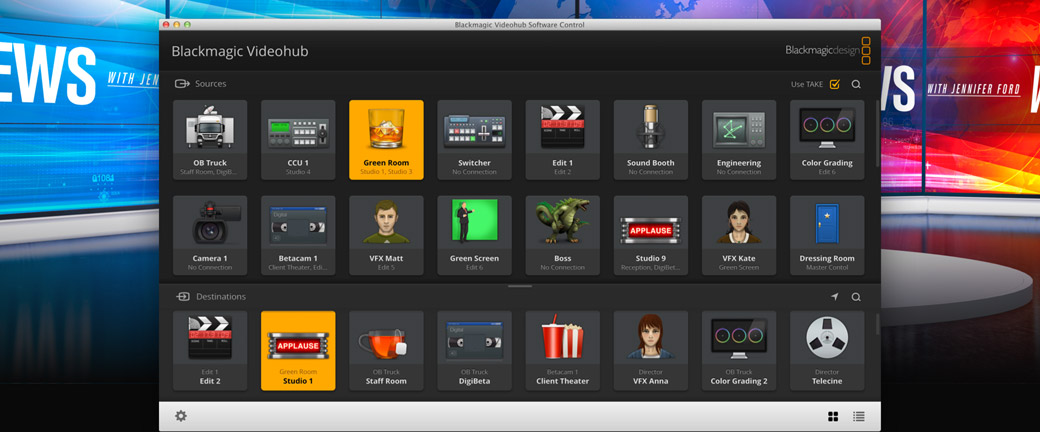
If you need external router control that's affordable, then Videohub Software Control is perfect because it can be downloaded free! Videohub Software Control is available for both Mac and Windows, so you can run it on the computers you're already using for creative work. The software features large buttons that are easy to press. Each button can be customized to a router input, a router output, and has an icon assigned to help you identify it visually. The big buttons are great for use on a touchscreen PC, where the software becomes a large screen XY control panel! You can even download a version of the software for the Apple iPad!
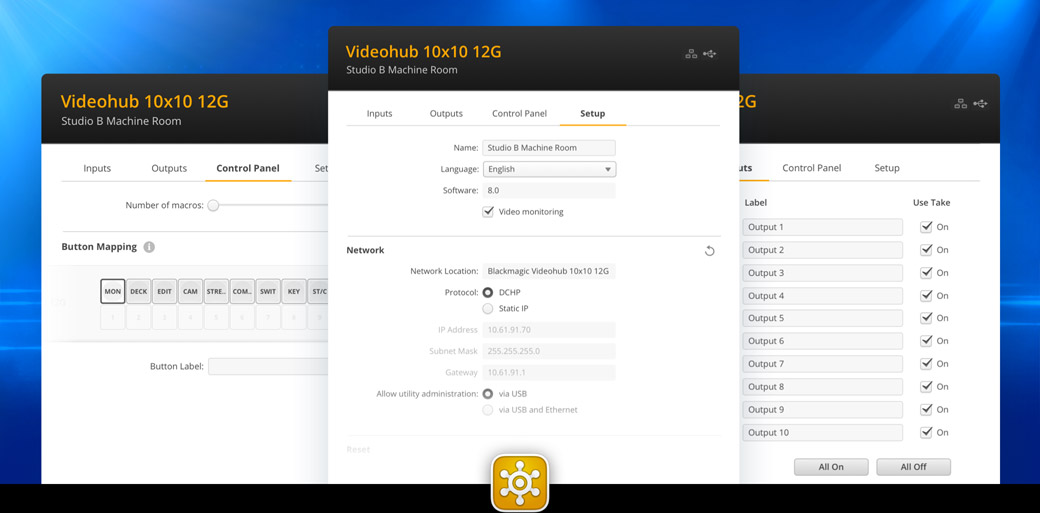
When you first purchase Blackmagic Videohub 12G, all the video inputs and outputs will have simple default labels, however you can customize them to match the equipment you have connected! That’s why the Blackmagic Videohub 12G installer includes Videohub Setup software, which lets you customize the router input and output labels. You can even enable the take button to be used when changing sources, plus the take button can be enabled for each specific video output. The Videohub Setup also lets you program the buttons on the front panel, update the router software, or configure external hardware panels. The software supports Mac and Windows and can be connected via Ethernet or USB.
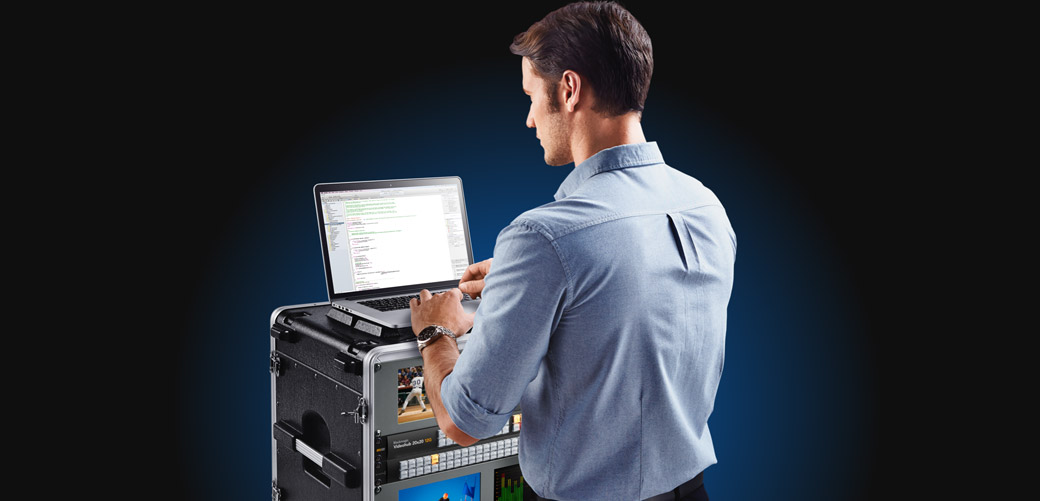
Videohub includes a free software development kit so developers and system integrators can easily add protocol support for integration into broadcast automation systems. Plus all Videohub routers use a simple text based protocol that's easy to learn. This makes it very simple to create custom control solutions from all computer platforms and even embedded hardware such as Raspberry Pi and Arduino. The protocol can even be used with a Telnet app so you can experiment with controlling the router before you start coding! Plus the protocol is the same one used for the Videohub Software Control so it's well tested and includes all the features needed for complex control apps.
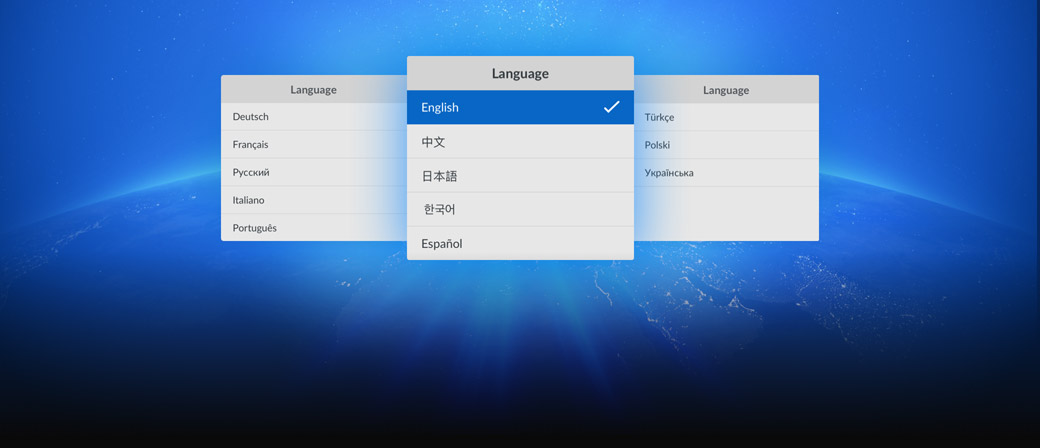
Blackmagic Videohub 12G supports multiple languages so you can customize it to the language you prefer. You get support for English, Chinese, Japanese, Korean, Spanish, German, French, Russian, Italian, Portuguese, Turkish, Polish and Ukrainian. Simply go into the setup menu to set the language, or you can change at any time in the future. Once a language is selected, the menus and the display on the LCD will change to the selected language. However, independent of the language you set, the input and output labels are always unicode so you can customize the labels to a mix of multiple languages! Multiple languages means you can work anywhere in the world and with any local crew!
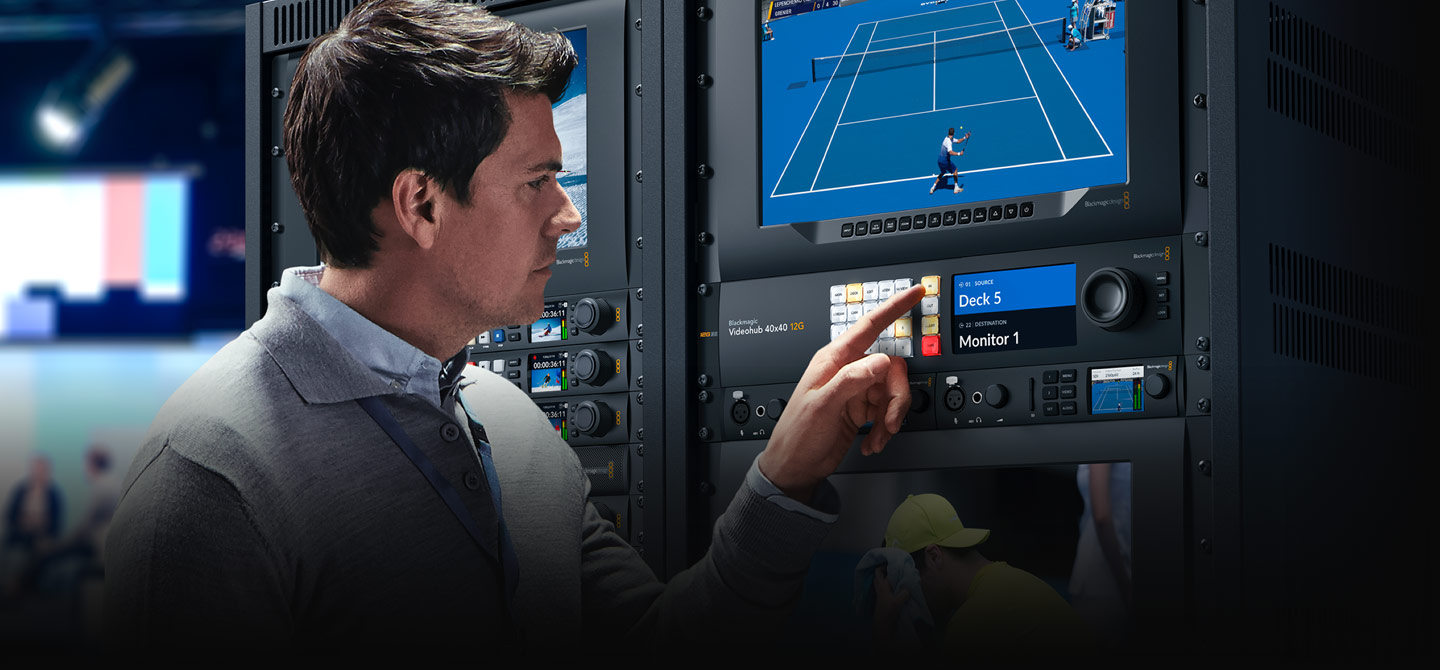
When you need to work on global events then you need to stay updated with the latest technology and television standards. Videohub gives you support for all 525SD and 625SD, 720HD and 1080HD, and the Ultra HD video standards. Plus you can connect multiple video standards simultaneously!
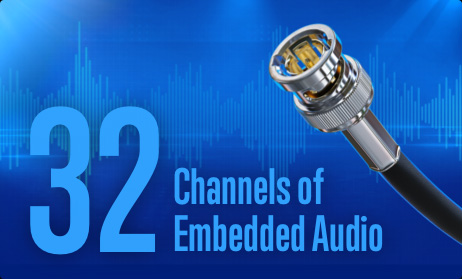
The SDI standard includes up to 32 channels of embedded audio included with the SDI video signal. The advantage to embedded audio is that it all connects with a single BNC cable and all audio remains perfectly synchronized to the video. Plus all modern SDI equipment supports embedded SDI audio!
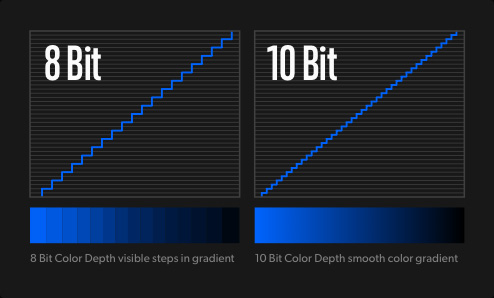
Videohub is designed to support the highest quality video. 10-bit is the most commonly used standard as colors can be represented more accurately than 8-bit video. You can route 4:2:2 8-bit or 10-bit video in any standard, and it even works with 4:4:4 12-bit SDI up to 2160p30 for feature film!